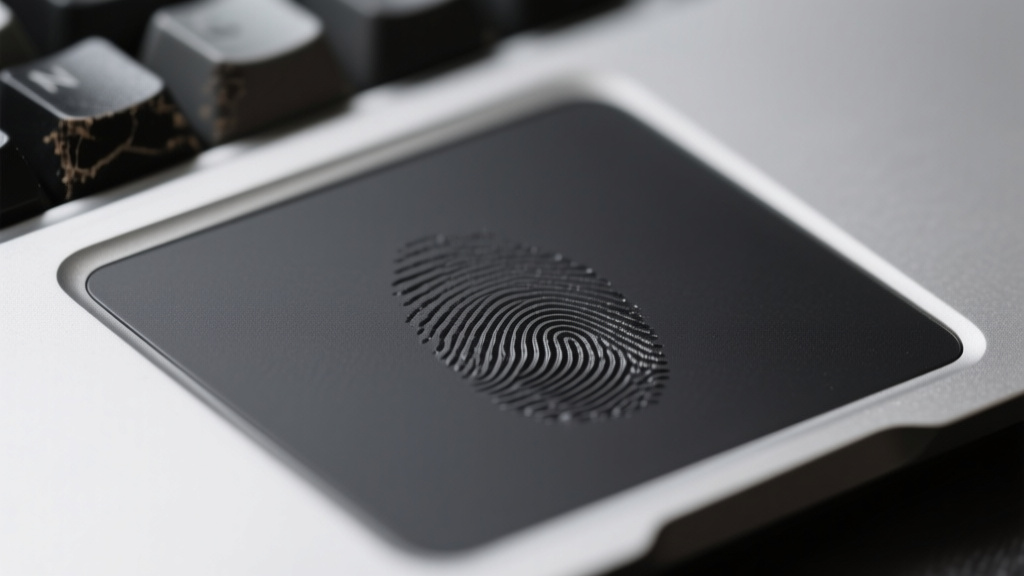
Slapppy turns your trackpad into a macro drum machine📷 Published: Apr 9, 2026 at 04:38 UTC
- ★Rhythmic taps replace keyboard shortcuts
- ★Competes with AutoHotkey and BetterTouchTool
- ★Playful UX masks serious productivity potential
Productivity automation has long been the domain of keyboard warriors, where tools like AutoHotkey or Karabiner demand users memorize arcane shortcuts or script custom workflows. Slapppy flips that script by turning physical input—specifically, rhythmic taps on a trackpad or mouse—into macro triggers. Early signals suggest it’s targeting users who find traditional shortcuts disruptive to their flow, offering a more tactile, almost musical interaction model.
The Product Hunt buzz around Slapppy hints at its dual appeal: productivity obsessives who want to shave seconds off repetitive tasks, and gamers or developers who already rely on muscle-memory inputs. Unlike voice commands or eye-tracking, this approach doesn’t require new hardware—just a rethinking of how existing peripherals can encode intent. If confirmed, its compatibility with macOS and Windows would make it an immediate contender in the crowded macro utility space.
Yet the real test isn’t technical feasibility but user adoption. Rhythmic input isn’t new—BetterTouchTool has experimented with gesture-based triggers for years—but Slapppy’s gamified framing (that name isn’t accidental) might lower the barrier for non-technical users. The gap between a clever demo and a daily driver is where most productivity tools stumble.
The tactile automation layer your workflow didn’t know it needed📷 Published: Apr 9, 2026 at 04:38 UTC
The tactile automation layer your workflow didn’t know it needed
For developers and power users, Slapppy’s promise lies in its potential to reduce cognitive load. Instead of remembering Ctrl+Shift+K for a build script, you’d tap out dot-dash-dot on your trackpad—freeing mental bandwidth for actual work. But this advantage assumes the tool’s rhythm recognition is flawless under real-world conditions: a shaky laptop on a train, or a user whose ‘natural’ tapping cadence varies with caffeine levels.
The competitive pressure here is subtle. Slapppy isn’t replacing AutoHotkey’s depth; it’s offering an on-ramp for users intimidated by scripting. That positions it as a gateway drug for automation, not a replacement for existing tools. The ecosystem effect could be broader: if rhythmic input catches on, we might see trackpad manufacturers optimize hardware for tappable precision, or OS-level APIs emerge to standardize gesture-based macros.
What’s missing from the hype is the grunt work of customization. A tool like this lives or dies by its configuration UI—how easily users can bind rhythms to actions, adjust sensitivity, or share presets. Without those details, Slapppy risks being a novelty, not a workflow upgrade.