Windows 11’s NPU transparency: AI PCs get real usage data

Windows 11’s NPU transparency: AI PCs get real usage data📷 Source: Web
- ★Task Manager now exposes NPU workloads in real time
- ★AI PC users finally see which apps tap neural hardware
- ★Developers gain tools to debug NPU bottlenecks
Microsoft’s latest Task Manager update for Windows 11 Insiders doesn’t just add another graph—it pulls back the curtain on one of AI PCs’ biggest blind spots: what the NPU is actually doing. Until now, users and developers had to guess whether an app was leveraging the Neural Processing Unit or defaulting to CPU/GPU, a problem that grew more frustrating as AI workloads proliferated. The update, rolling out now, surfaces real-time NPU utilization metrics alongside traditional CPU/GPU stats, complete with per-process breakdowns.
This isn’t just a nicety for power users. AI PCs from Qualcomm, Intel, and AMD have shipped with NPUs for years, but without visibility into how—or if—they’re being used. Early adopters report frustration over apps claiming NPU acceleration while delivering lackluster performance. The new Task Manager data could finally let users verify those claims, or expose when an app’s ‘AI features’ are just marketing.
The timing makes sense. By 2026, Gartner predicts over 60% of new PCs will include NPUs, yet most users still treat them as black boxes. Even developers often lack tools to profile NPU workloads effectively. Microsoft’s move mirrors its past transparency pushes—like GPU memory tracking in 2022—but with higher stakes. If AI PCs are the future, their hardware can’t stay a mystery.
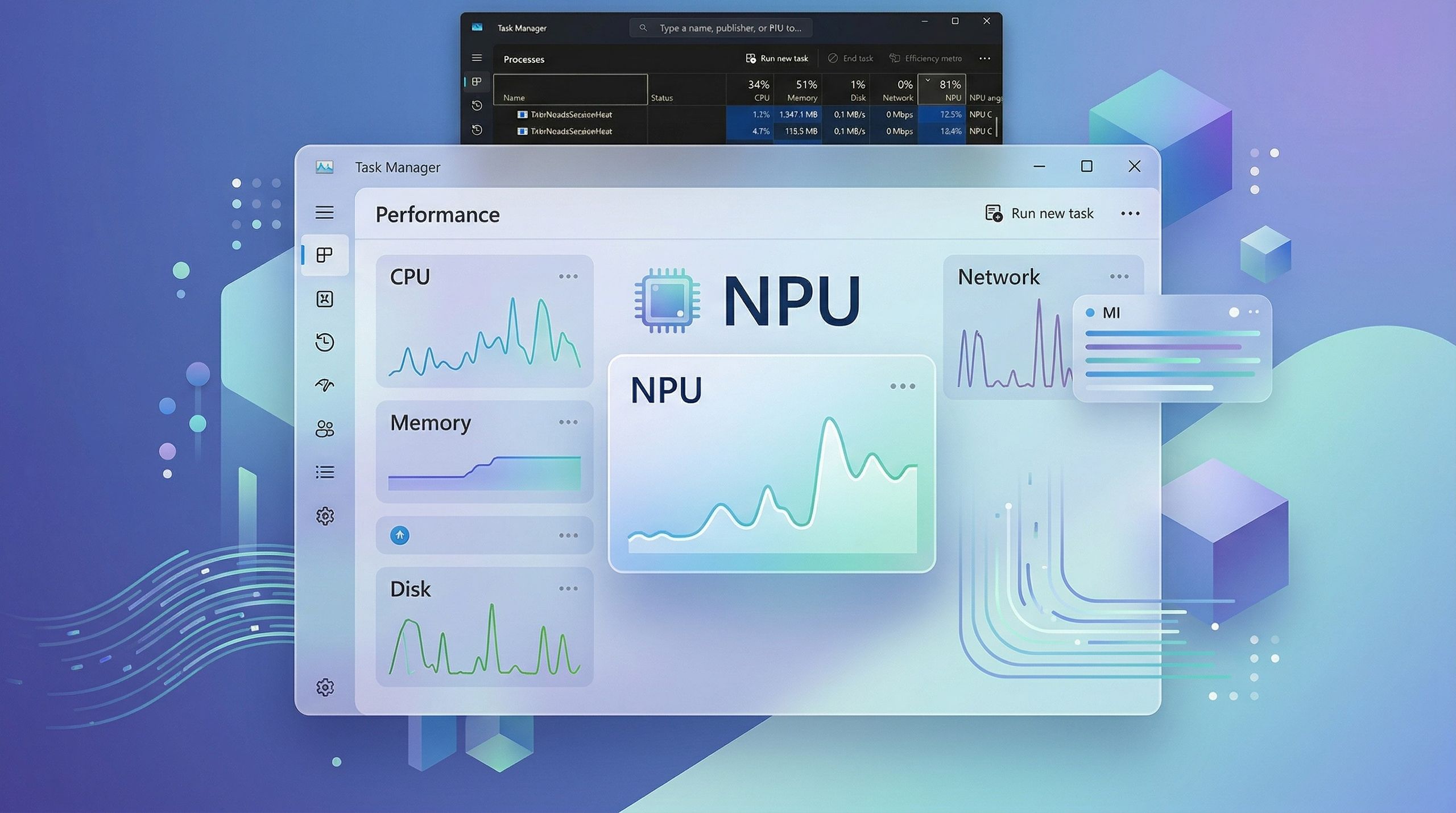
The performance monitoring gap that left AI workloads invisible📷 Source: Web
The performance monitoring gap that left AI workloads invisible
For developers, this update is a debugger’s dream. NPU-bound apps—like local LLMs or real-time translation tools—often hit invisible bottlenecks when workloads spill over to the CPU. With per-process NPU metrics, devs can now spot inefficient resource allocation or drivers failing to offload tasks properly. Windows Studio Effects, for example, promises NPU-accelerated background blur, but users have no way to confirm it’s not just taxing their CPU. That changes now.
The bigger question is whether this transparency will push the industry forward or just reveal its cracks. If apps like Photoshop’s Generative Fill or Copilot+ are caught underutilizing NPUs, pressure will mount on vendors to optimize. Conversely, if the data shows NPUs handling workloads efficiently, it could accelerate adoption of AI-specific hardware. Either way, Microsoft’s bet is clear: visibility breeds trust—and trust sells AI PCs.
There’s one catch: this is still Insider-only. Mainstream users won’t see it until later this year, and even then, the usefulness hinges on NPU adoption. Older PCs or those with first-gen neural chips might not benefit much. But for the growing cohort of AI PC owners, this update turns a speculative ‘maybe it’s using the NPU’ into a measurable ‘here’s exactly what’s happening.’