The Smart TV Setting Sabotaging Your PS5 and Apple TV
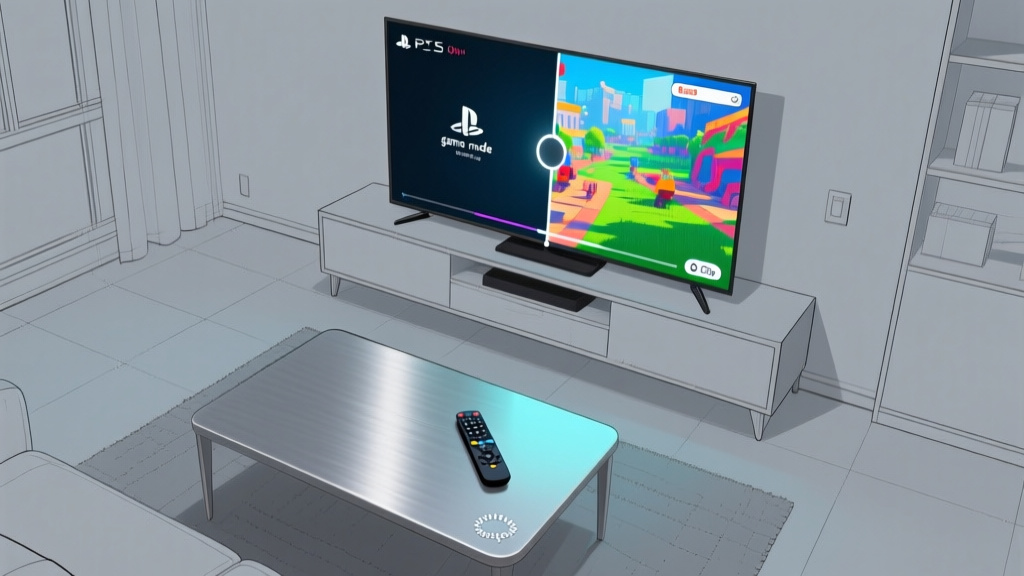
An overhead bird's-eye view of a modern living room, focusing on a single smart TV screen displaying a paused PS5 game in two distinct states: the📷 Photo by Tech&Space
- ★HDMI 'enhancements' limit true HDR performance
- ★Gamers and streamers unknowingly settle for 'just fine'
- ★A single toggle could unlock hidden visual fidelity
Your PS5 might be delivering a fraction of its promised visual punch, and the culprit isn’t Sony or Apple—it’s a default setting buried in your smart TV menu. According to XDA Developers, most modern TVs ship with a form of HDMI signal processing enabled, often labeled as 'game mode' or 'filmmaker mode.' These settings are designed to reduce input lag in gaming and preserve director intent in movies, but they frequently come at the cost of dynamic range and color accuracy. The result? A picture that looks 'just fine'—until you toggle it off and realize how much detail was being clipped.
The issue isn’t theoretical. Early adopters of the PS5’s 120Hz mode and Apple TV’s Dolby Vision content have reported noticeable improvements after disabling these 'enhancements,' particularly in high-contrast scenes where highlights and shadows previously blended into mush. The difference isn’t subtle: specular highlights regain their sparkle, dark scenes reveal hidden textures, and gradients smooth out instead of banding into visible steps. For gamers, this means less eye strain in extended sessions; for streamers, it’s the difference between watching a movie and experiencing it.
Yet most users never even consider adjusting these settings. TV manufacturers rarely explain their trade-offs, and reviewers often focus on peak brightness or black levels—metrics that mean little if the signal is being artificially compressed. The irony? The fix is usually a single toggle away, but without knowing where to look, users settle for an experience that’s merely adequate.
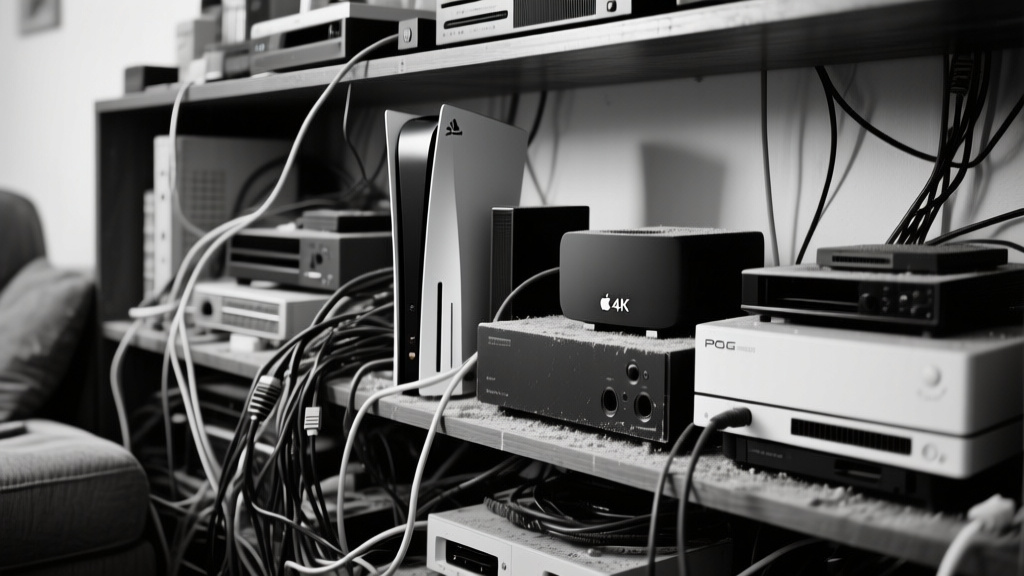
A high-contrast black-and-white photograph of a cluttered living room shelf holding a PS5, an Apple TV 4K, and older consoles, with tangled HDMI📷 Photo by Tech&Space
The real-world gap that spec sheets don’t show
The broader implications extend beyond individual users. If this setting is indeed throttling performance across millions of devices, it represents a quiet industry failure—one where convenience trumps capability. Consoles like the PS5 and streaming boxes like the Apple TV 4K are designed to push boundaries, but their potential is being artificially capped by TVs that prioritize simplicity over fidelity. This isn’t just about missed visual polish; it’s about wasted hardware investment. Gamers who spent $500 on a console or $130 on a streaming box are getting a fraction of the performance they paid for, while TV manufacturers quietly benefit from lower processing demands.
The market context here is fascinating. TV brands have little incentive to highlight this limitation, as it risks making their products look worse in side-by-side comparisons. Meanwhile, Sony and Apple are unlikely to call attention to it, as doing so would shine a spotlight on a problem outside their control. The real pressure point lies with reviewers and community channels—those who can demonstrate the before-and-after impact of these settings. Yet even here, the conversation remains niche, relegated to forums and Reddit threads rather than front-page coverage.
For users, the takeaway is simple: dig into your TV’s HDMI settings. Look for options like 'HDMI Deep Color,' 'Ultra HD Color,' or 'Enhanced Format.' If you’re using an HDMI 2.1 port, ensure it’s set to handle 4K/120Hz or 4K/60Hz with full chroma subsampling. The change won’t require new hardware—just a willingness to question whether 'just fine' is good enough.